Top 7 Best Tablets for Architecture Students for Sketching and Markup
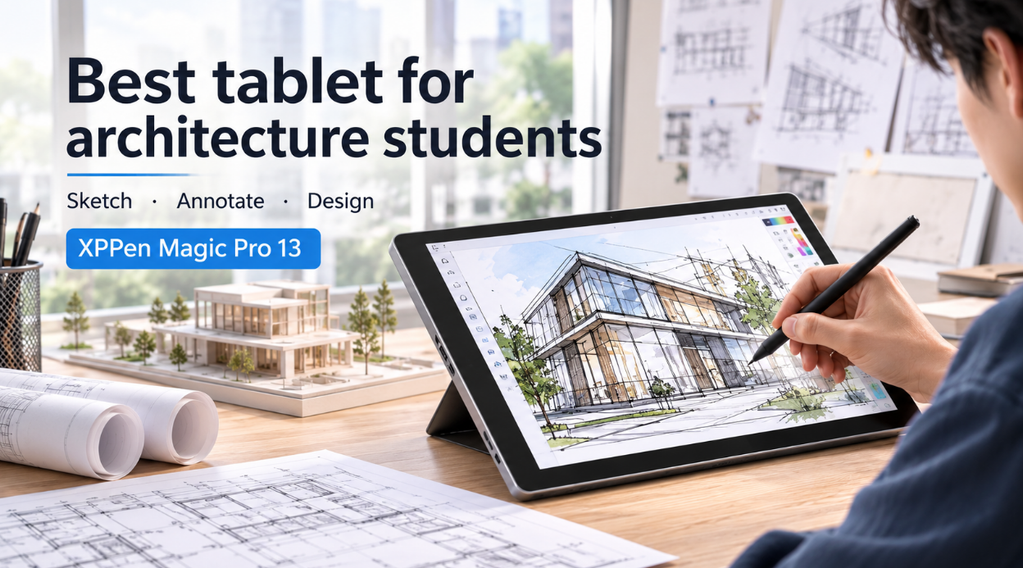
Architecture students regularly sketch design concepts, annotate floor plans, review construction drawings, and take notes during studio classes. A suitable tablet makes these tasks easier, especially when working between classrooms, libraries, and design studios. However, not every tablet supports the same workflow. Some offer standalone drawing capabilities, while others connect to a computer for more advanced design work.
Choosing the Best tablet for architecture students requires more than comparing screen sizes and prices. Stylus responsiveness, display clarity, software compatibility, and portability all affect the daily experience. Whether you need a device for quick sketches or detailed drawing markups, this guide compares seven options worth considering. The goal is to help you find the Best tablet for architecture students based on your study habits, software requirements, and budget.
Quick Comparison Table
| Rank | Brand & Model | Type | Screen / Active Area | Approx. Price | Main Advantage |
| 1 | XPPen Magic Pro 13 | Standalone / Pen Display | 12.95-inch 3K, 120Hz | ~$900 | Flexible dual-mode drawing |
| 2 | Apple iPad Pro 13-inch | Standalone Tablet | 13-inch Ultra Retina XDR | ~1,300–1,500 | PDF annotation and app performance |
| 3 | Samsung Galaxy Tab S10 Ultra | Standalone Tablet | 14.6-inch AMOLED | ~1,200–2,030 | Large-screen multitasking |
| 4 | Microsoft Surface Pro | Windows 2-in-1 | 13-inch | ~$1,500 | Windows software compatibility |
| 5 | Lenovo Idea Tab 11-inch | Standalone Tablet | 11-inch 2.5K, 90Hz | ~190–300 | Affordable notes and sketches |
| 6 | Xencelabs Pen Tablet Medium | Pen Tablet | 10.3 × 5.8-inch active area | ~300–360 | Shortcut controls and desk workflow |
| 7 | XP-Pen Artist Pro 16 Gen2 | Pen Display | 16-inch WQXGA | ~480–500 | Detailed computer-based drawing |
Prices are approximate and may vary by configuration, retailer, and included accessories.
1. Best Tablets for Architecture Students: 7 Models Worth Considering
Each device serves a different architectural study workflow. Some are better suited to mobile sketching and PDF reviews, while others work best as part of a computer-based drawing setup. When comparing the Best tablet for architecture students, consider how often you draw directly on the screen and whether you need desktop software compatibility.
1.1 XPPen Magic Pro 13 – Best Overall for Flexible Drawing
The XPPen Magic Pro 13 standalone drawing Pad is a versatile option for architecture students who need both mobile drawing and computer-based workflows.
Key Features:
· Display: 12.95-inch 3K screen with a 120Hz refresh rate for clear details and smooth pen movements.
· Dual Modes: Works as a standalone Android tablet or connects to a computer as a pen display.
* Stylus: Supports 16K pressure levels and a 2g initial activation force for responsive line control.
· Screen Surface: Paper-like finish provides a more controlled drawing experience.
Why Architecture Students May Like It:
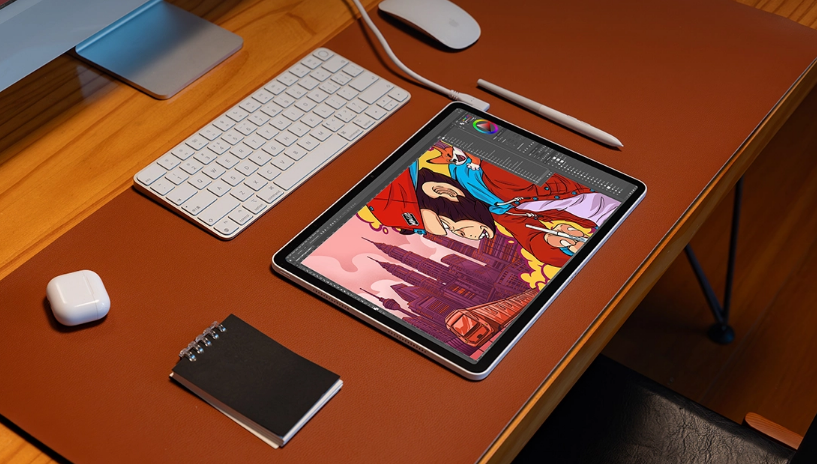
Students can use it to sketch massing concepts, annotate floor plans, review PDFs, and create preliminary architectural drawings. Its dual-mode design also makes it easier to switch between classroom activities and computer-based design sessions. For students looking for the Best tablet for architecture students with more than one working mode, this flexibility is a notable advantage.
1.2 Apple iPad Pro 13-inch – Best for PDF Annotation and App Performance
The Apple iPad Pro 13-inch is suitable for students who prioritize display quality and a broad tablet application ecosystem.
Key Features:
· Display: 13-inch Ultra Retina XDR screen for viewing detailed drawings and reference images.
· Stylus Support: Compatible with Apple Pencil for handwriting, sketching, and document annotation.
* Performance: Supports demanding creative and productivity applications available on iPadOS.
· Multitasking: Provides a large workspace for viewing documents and taking notes.
Why Architecture Students May Like It:
It works well for reviewing digital textbooks, marking up construction drawings, and organizing site photographs. Students can also use compatible applications to record design ideas and manage course materials.
However, the iPad Pro is not a direct replacement for every desktop workstation. Check whether your required CAD and BIM applications have suitable iPad versions before purchasing.
1.3 Samsung Galaxy Tab S10 Ultra – Best for Large-Screen Multitasking
The Samsung Galaxy Tab S10 Ultra offers a large display that can make architectural document review and multitasking more comfortable.
Key Features:
· Display: 14.6-inch AMOLED screen with ample space for drawings and reference materials.
· Stylus: Includes an S Pen for handwritten notes and digital sketching.
* Multitasking: Supports split-screen workflows for viewing references alongside notes.
· Portability: Suitable for mobile study, although its large size takes up more backpack space.
Why Architecture Students May Like It:
Students can compare reference drawings, annotate PDFs, and record design ideas on one device. The large screen is particularly useful when reviewing complex layouts that require frequent zooming on smaller tablets.
For those who prioritize screen space when choosing the Best tablet for architecture students, this model offers a practical option. However, check whether your preferred architecture applications are available on Android.
1.4 Microsoft Surface Pro – Best for Windows-Based Workflows
The Microsoft Surface Pro is a Windows-based 2-in-1 device for students who need compatibility with desktop-oriented software and standard project files.
Key Features:
· Display: 13-inch touchscreen for document viewing and direct interaction.
· Operating System: Windows environment supports a range of desktop applications.
* Stylus Support: Compatible with a supported pen for handwriting and drawing markups.
· File Management: Convenient for organizing project folders and transferring standard design files.
Why Architecture Students May Like It:
It can support document management, design coursework, and software workflows that depend on Windows. Students who regularly exchange project files with classmates or use Windows-based applications may find this setup convenient.
Performance depends on the selected hardware configuration. Compare processor, RAM, and storage specifications before using it for demanding CAD or BIM applications.
1.5 Lenovo Idea Tab 11-inch – Best Budget Option for Daily Study
The Lenovo Idea Tab 11-inch is a more affordable choice for students who mainly need a device for class notes, reading, and basic sketches.
Key Features:
· Display: 11-inch 2.5K screen with a 90Hz refresh rate.
· Stylus Support: Supports compatible pen input for handwriting and document annotation.
* Portability: Its small size allows for easy movement from one classroom to another.
· Price: Lower price range compared with premium professional tablets.
Why Architecture Students May Like It:
It is useful for annotating lecture materials, reading architectural references, and recording quick design ideas. The smaller screen may require more zooming when reviewing large floor plans, but it is sufficient for many everyday academic tasks.
Students searching for the Best tablet for architecture students on a limited budget should also consider the cost of compatible pens and other accessories.
1.6 Xencelabs Pen Tablet Medium – Best for Computer-Based Sketching
The Xencelabs Pen Tablet Medium is a screenless drawing tablet designed for students who already own a laptop or desktop computer.
Key Features:
· Active Area: 10.3 × 5.8 inches for drawing and editing.
· Shortcut Controls: Customizable controls help speed up repetitive operations.
* Computer Connection: Works with compatible computer-based drawing applications.
· Portable Design: Takes up relatively little space in a backpack.
Why Architecture Students May Like It:
It can be used for editing architectural illustrations, creating conceptual sketches, and navigating drawing software. Students can customize shortcuts for common operations such as zooming, undoing, and switching tools.
Since it has no built-in screen, beginners may need some time to coordinate pen movements with the computer display. It is more suitable for students who are comfortable with a traditional graphics tablet workflow.
1.7 XP-Pen Artist Pro 16 Gen2 – Best for Detailed Desk-Based Drawing
The XP-Pen Artist Pro 16 Gen2 is a pen display for students who prefer drawing directly on a screen connected to a computer.
Key Features:
· Display: 16-inch WQXGA screen with a 16:10 aspect ratio.
· Stylus: Supports 16,384 pressure levels for controlled line variation.
* Working Area: Provides more space for architectural illustrations and detailed sketches.
· Computer Connection: Designed for use with compatible desktop and laptop systems.
Why Architecture Students May Like It:
The larger screen is useful for refining architectural elevations, sections, and presentation illustrations. The additional vertical space also helps accommodate drawing tools and reference panels while working.
Unlike a standalone tablet, the Artist Pro 16 Gen2 requires a connected computer. Students should consider desk space, cable management, and computer compatibility before purchasing.
2. What Should Architecture Students Check Before Buying a Tablet?
Selecting the appropriate device is made simpler by recognizing which tasks are to be done the most. A tablet for lecture notes does not necessarily need the same specifications as one used for detailed drawing markups. These factors can help narrow down the Best tablet for architecture students for your particular workflow.
2.1 Screen Size and Display Resolution
Screen size affects how comfortably you can review architectural drawings. Smaller displays are convenient to carry, but they may require frequent zooming when examining floor plans or construction details.
An 11-inch tablet can be sufficient for notes and simple sketches, while 13-inch and larger displays provide more room for reviewing documents. Resolution also matters because clear text and fine drawing lines make technical documents easier to read.
2.2 Stylus Responsiveness and Drawing Comfort
A responsive stylus helps maintain consistent lines when sketching and annotating drawings. Look for reliable pressure sensitivity, low activation force, tilt support, and palm rejection.
Also consider the physical drawing experience. Screen texture, pen weight, nib replacement, and charging requirements can influence comfort during long studio sessions.
2.3 Software Compatibility and File Management
Architecture courses may involve several types of software and file formats. Before buying, check whether the tablet supports the applications required by your school.
Standalone Android and iPad devices are convenient for mobile tasks, but they may not support every desktop application. Windows-based tablets and computer-connected pen displays can offer different levels of software compatibility.
Storage is another consideration. Architectural PDFs, site photographs, and project references can occupy considerable space. Students who keep large files locally should compare storage configurations and available cloud synchronization options.
2.4 Budget and Additional Accessories
The purchase price is only part of the total cost. A stylus, protective case, screen protector, stand, or keyboard may need to be purchased separately.
Compare the complete setup rather than the tablet price alone. If you already own a capable computer, a pen tablet or pen display may provide better value than purchasing another standalone device.
Summary
The Best tablet for architecture students depends on study habits, software requirements, and budget. Standalone models are convenient for lectures, mobile sketching, and PDF annotation, while pen displays offer a more direct drawing experience when connected to a computer.
Among these options, the XPPen Magic Pro 13 stands out for its combination of standalone Android functionality, computer connectivity, a 3K display, and responsive stylus support. Students who want a flexible device for both classroom activities and drawing sessions may find it a practical choice. Ultimately, the Best tablet for architecture students should support your daily academic workflow without requiring you to pay for features you rarely use.